a little breathing room
your time.
your rules.
Choose the apps that need a boundary. Give them one shared daily allowance. Let Mindkeep look after the limit.
how it works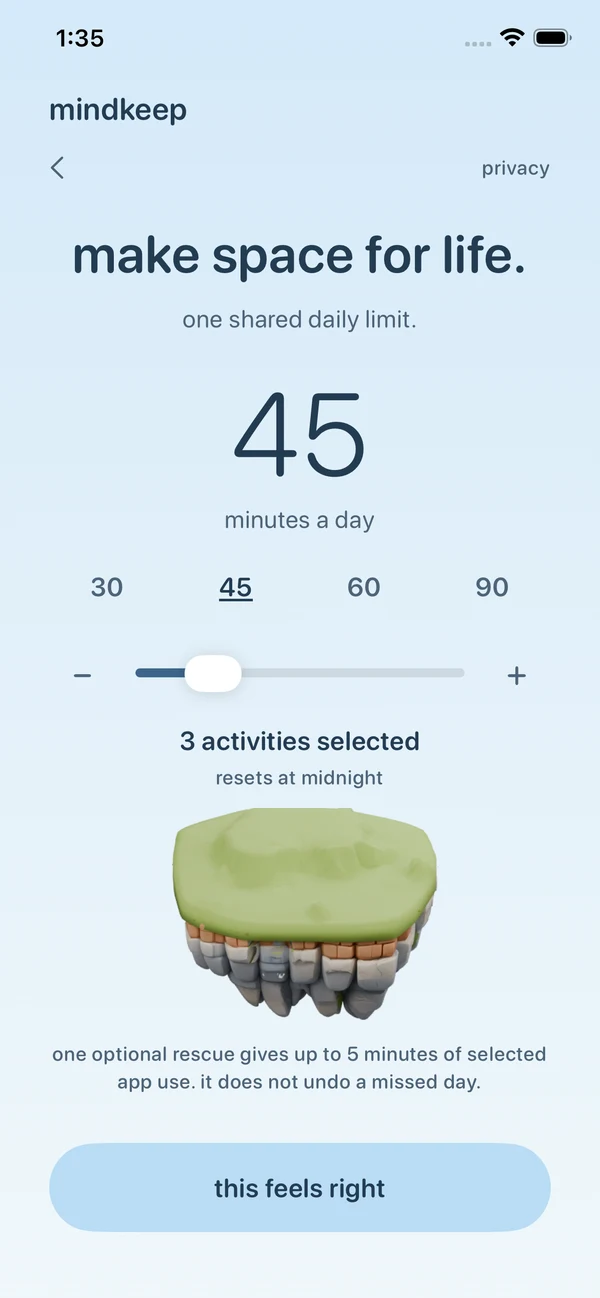
a little more life, a little less screen
Make a little room for yourself. Set a daily allowance for the apps you choose, and grow a world from the moments you keep.
download on the App Storefor iPhone · subscription required

made from the moments you keep
One protected day below your allowance.
One little addition to call your own.
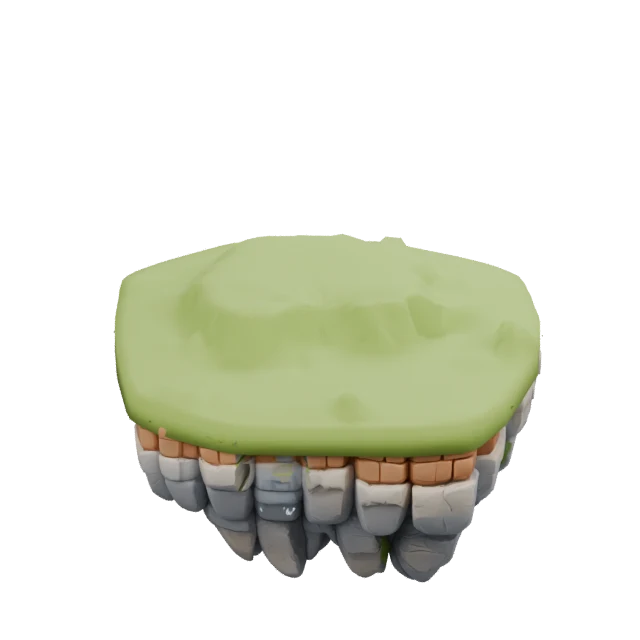
A fresh start. A little space for you.
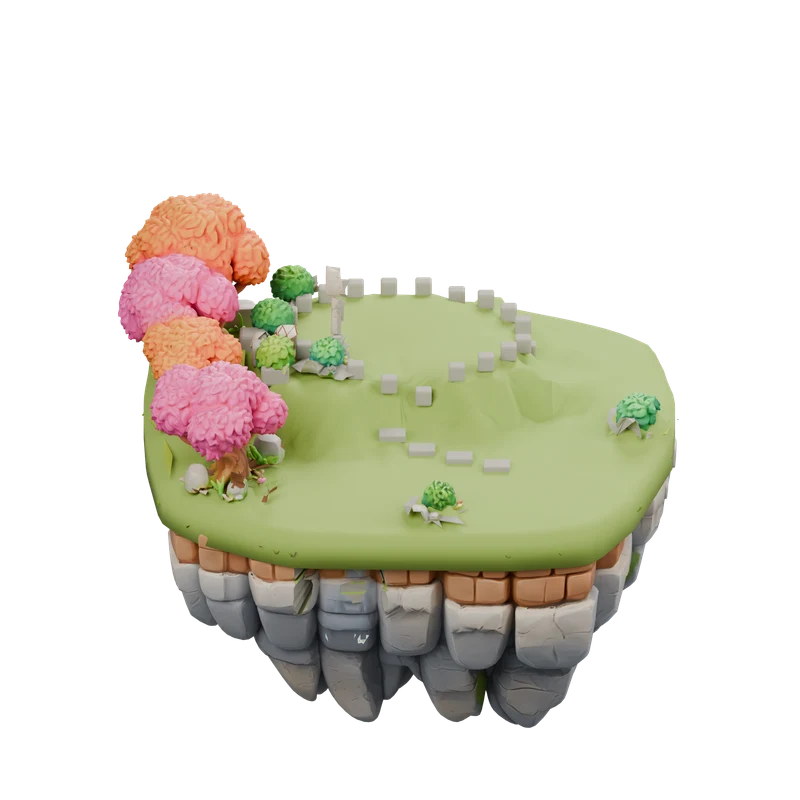
Little boundaries become little wins.
A world built from your everyday progress.
a little breathing room
Choose the apps that need a boundary. Give them one shared daily allowance. Let Mindkeep look after the limit.
how it worksa little company
A companion for the journey. Choose the Keeper who feels like you, and make this little world your own.
get to know Mindkeep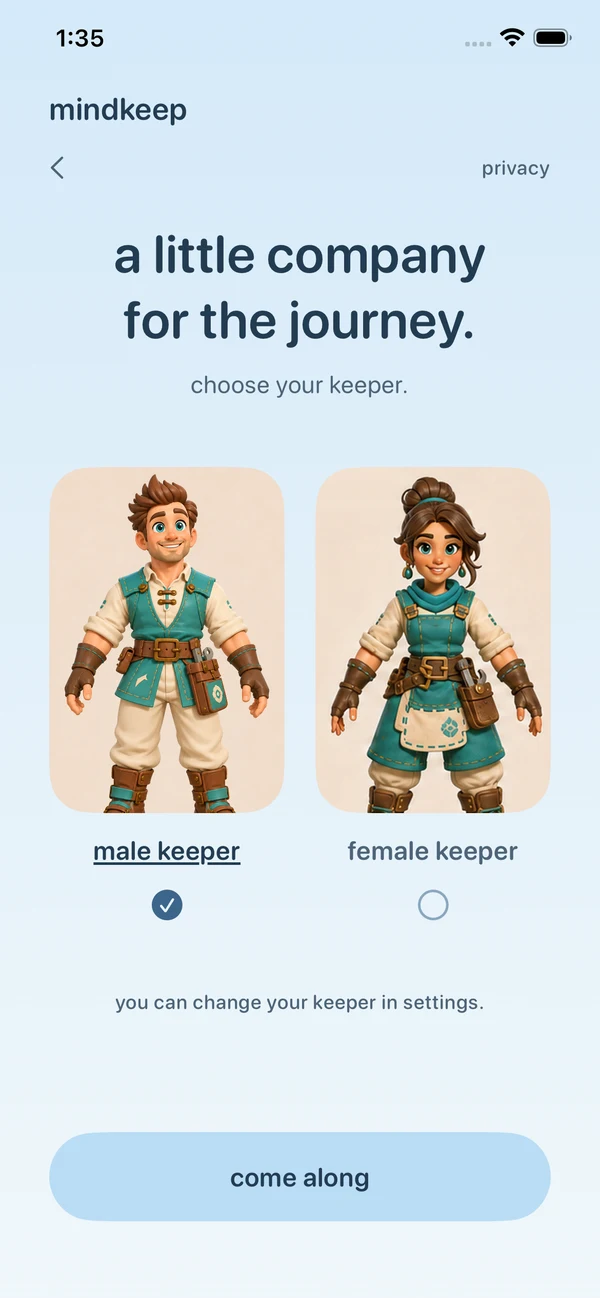
we’re here for you
Questions, a bump in the road, or just something you’d like us to know.
say hello support@usemindkeep.comInclude your Mindkeep version, iOS version, and a description of the issue. Please don’t send private Screen Time selections or usage reports.
your privacy mattersYour selected activities share one daily allowance. There is no focus timer to start each day. When the allowance is reached, Screen Time shields those activities and marks the day missed.
Stay below the limit with protection working until midnight to earn the next island addition. A repair day restores your existing island; maintenance after day 30 adds no buildings.
Usage is displayed by Apple’s private Screen Time report. Loading or unavailable usage does not mean zero minutes used. Reports for a partial first day or a rescue may be unavailable. Keep Screen Time access enabled and check protection in Mindkeep Settings.
A gap in protection can prevent growth for that day. Changing tomorrow’s selections or allowance does not rewrite today’s outcome.
If rescue is enabled and available, the shield can open Mindkeep. Hold continuously for 10 seconds to request up to 5 minutes of extra selected activity use. Lifting early cancels the hold. Rescue does not undo a missed day. Use Not Now to leave without claiming it.
Choose your male or female Keeper during setup or in Settings. Your choice shares the same island progress. Reduce Motion, haptics, and sound controls are also in Settings.
A subscription unlocks the full Mindkeep experience after onboarding, including your growing island, Keepers, and daily journey. Both plans include the same experience.
In the U.S., the annual plan is $29.99 per year with a 7-day free trial for eligible subscribers. The monthly plan is $4.99 per month with no free trial. Prices may vary by storefront; the app and Apple’s purchase sheet show your local price and eligibility before you subscribe.
Subscriptions renew automatically unless canceled. The annual trial renews at the annual price unless canceled before it ends. Manage or cancel in your Apple account’s subscription settings. Deleting Mindkeep does not cancel your subscription.
If you already subscribed, choose Restore Purchases on the subscription screen or in Settings using the Apple account that made the purchase. Restoring a subscription restores eligible access, not island progress that was not backed up. Apple’s standard Terms of Use apply.
You can choose Stop protection on the subscription screen or in Settings without an active subscription. This clears Mindkeep’s restrictions and withdraws its Screen Time access while preserving your saved island progress. You can also revoke access in iOS Settings.
Mindkeep has no account or in-app ads. Private Screen Time selections and detailed usage reports stay on your device. Apple and RevenueCat handle subscription purchases and access; RevenueCat also provides subscription analytics. PostHog and Appstack measure app interactions and acquisition using installation identifiers, without receiving private Screen Time selections or usage reports. Read the privacy policy for details about local storage, subscriptions, and deletion.